


Deposit via Orange Money
Follow these simple and quick steps to make a deposit via Orange Money:
Log in to your Bwinners account:
Access your Bwinners account using your login credentials.
Click on the “Deposit” button:
Once logged in, click on the yellow button labeled “Deposit.”
Note: The phone number linked to your Bwinners account must be the same as the one associated with your Orange Money account.


Take your phone
Open the dialer or phone app.
Dial the following code:
#144# and press send.
Follow the on-screen instructions:
Confirm the payment.
Enter your Orange Money PIN.
Receive confirmation:
You will receive a message confirming that your deposit was successful.



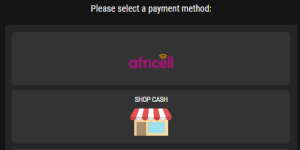
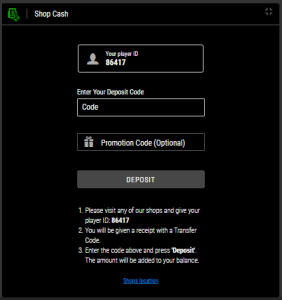
You’re all set! Have fun with Bwinners.
Psst.. We are also available on Chat, calls, Whatsapp or Social Plateform for any queries that you may have.