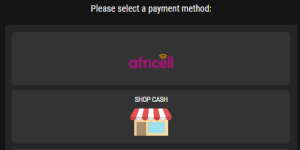

Follow these simple and quick steps to make a withdrawal via Orange Money:
Log in to your Bwinners account:
Access your account using your login credentials.
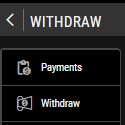
Click on the “Withdraw” button:
Once logged in, click on the yellow button labeled “Withdraw.”
Note: The phone number linked to your Bwinners account must be the same as the one associated with your Orange Money account.

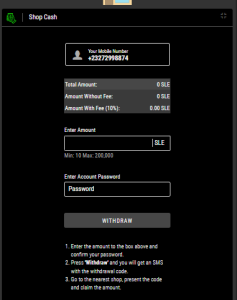
Enter the amount you wish to withdraw and click the “Withdraw” button.

Wait until the page confirms that your withdrawal has been successfully processed.

Check Your Messages
You should receive a message from Orange confirming that the money has been sent to your account.